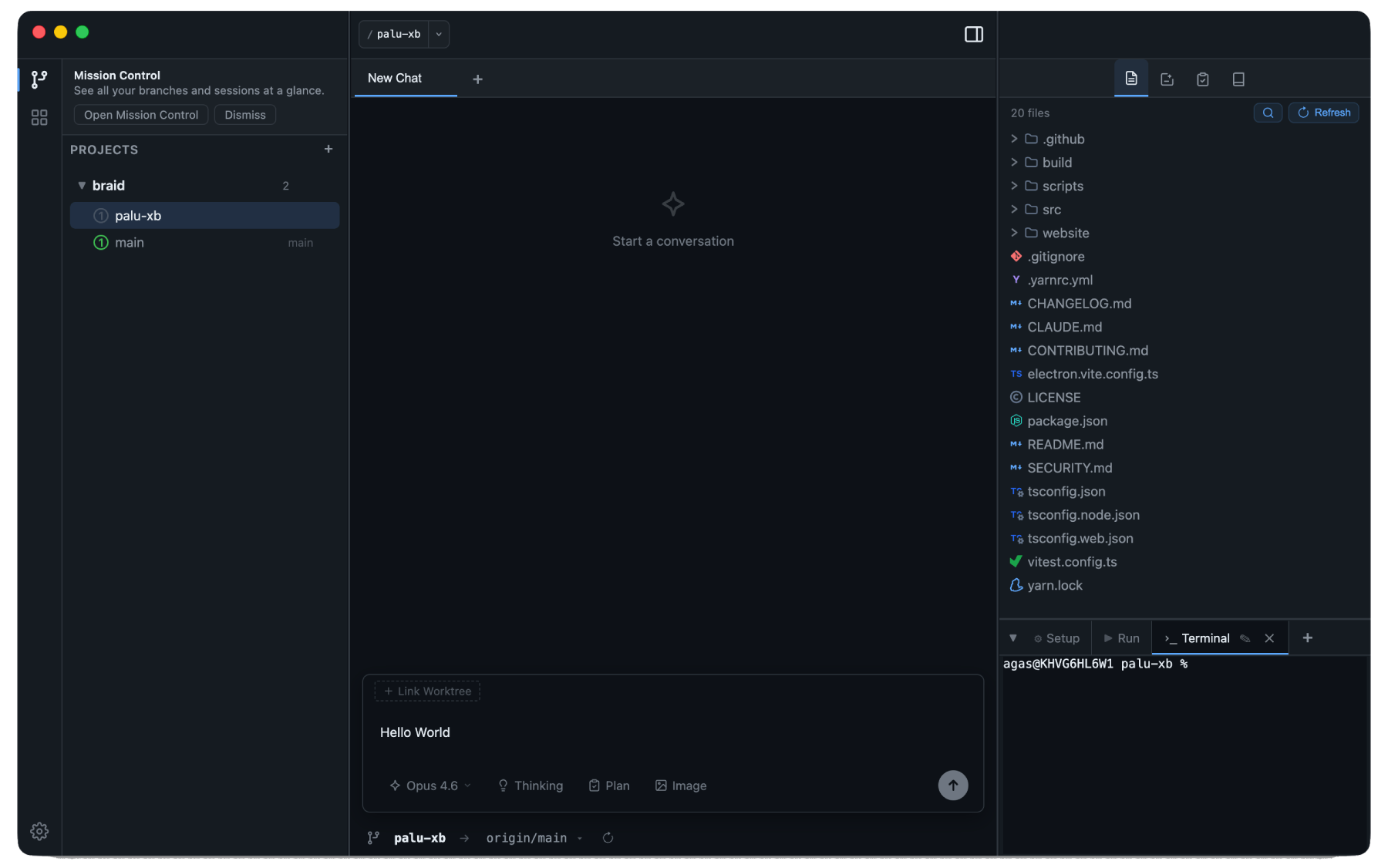
Built for the AI-First Developer
Braid isn't just a wrapper. It's a purpose-built environment that understands your code and your workflow.
Git Worktrees
Isolate features in parallel branches. Each worktree gets its own terminal, file tree, and AI sessions.
AI Agent Sessions
Run AI coding agents directly in your workspace. Multiple sessions per worktree, with full tool call visibility.
Git & GitHub
Stage, commit, push, and merge without leaving the app. PR checks, deployments, and merge controls built in.
Terminal & Editor
Built-in terminals with lifecycle scripts. Monaco-powered editor for quick file edits alongside your chat.
Mission Control
Kanban overview of all your sessions and PRs across every worktree. See what needs attention at a glance.
Themes & Customization
Dark and light modes with custom themes. Configure models, prompts, and notifications.
Context is King.
Isolation is Queen.
By isolating AI sessions within Git worktrees, Braid eliminates context bleeding and maximizes parallel productivity.
1. Spawn a Worktree
Start a new feature or experiment. Braid automatically creates a Git worktree, keeping your main branch clean.
2. Parallel Chat
Each worktree gets its own Claude session. Claude knows exactly which files are in scope for that specific branch.
3. Seamless Integration
Edit files, run tests in the integrated terminal, and monitor CI - all without leaving the app.
4. PR & CI Lifecycle
Stage, commit, and push without leaving the app. Monitor CI checks in real time, fix failures with AI, and merge with one click.
hooks.ts. It should handle the worktree-specific cache.feature/auth-v2 and implement useWorktreeSession. Let me read the existing hooks first.useWorktreeSession hook with cache invalidation:export const useWorktreeSession = () => {
const { worktreeId } = useParams();
const queryClient = useQueryClient();
return useQuery(
['session', worktreeId],
() => fetchSession(worktreeId),
{ staleTime: 30_000 }
);
};